Business plan required. Learn Subscriptions
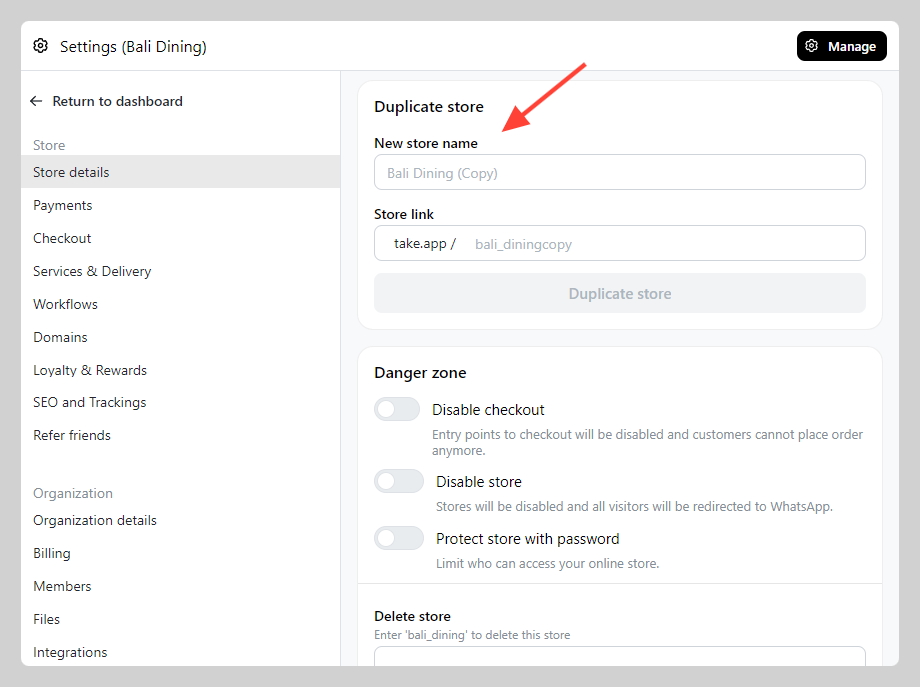
You can clone your store to make a duplicate store. This will be useful if you have multiple branch that require multiple admin phone number to receive order.
How to duplicate store
-
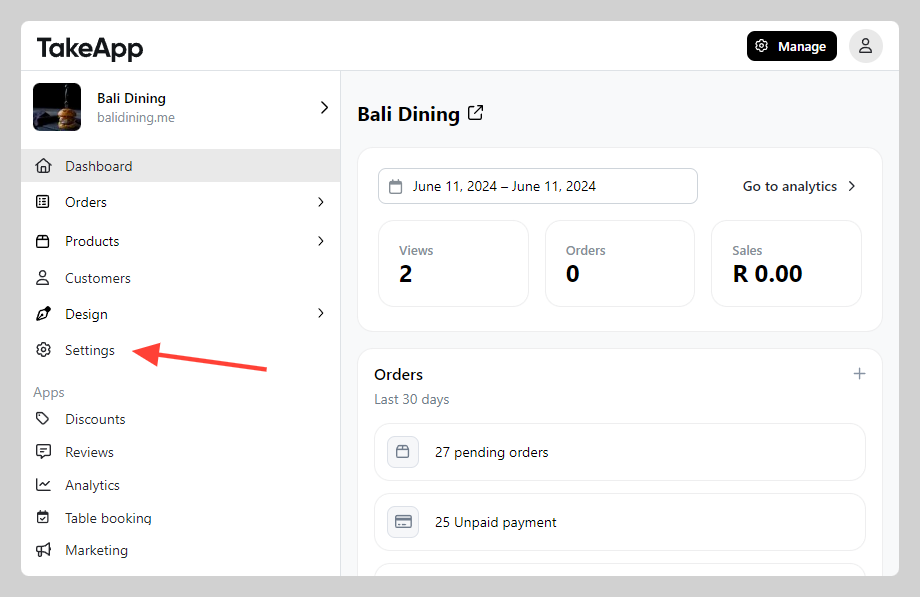
Go to Admin > Settings
-
In Store Detail, navigate to "Profile" section and scroll down to find Duplicate store. Input new store name and link, click
Duplicate store